The best photo to use for an 80s filter
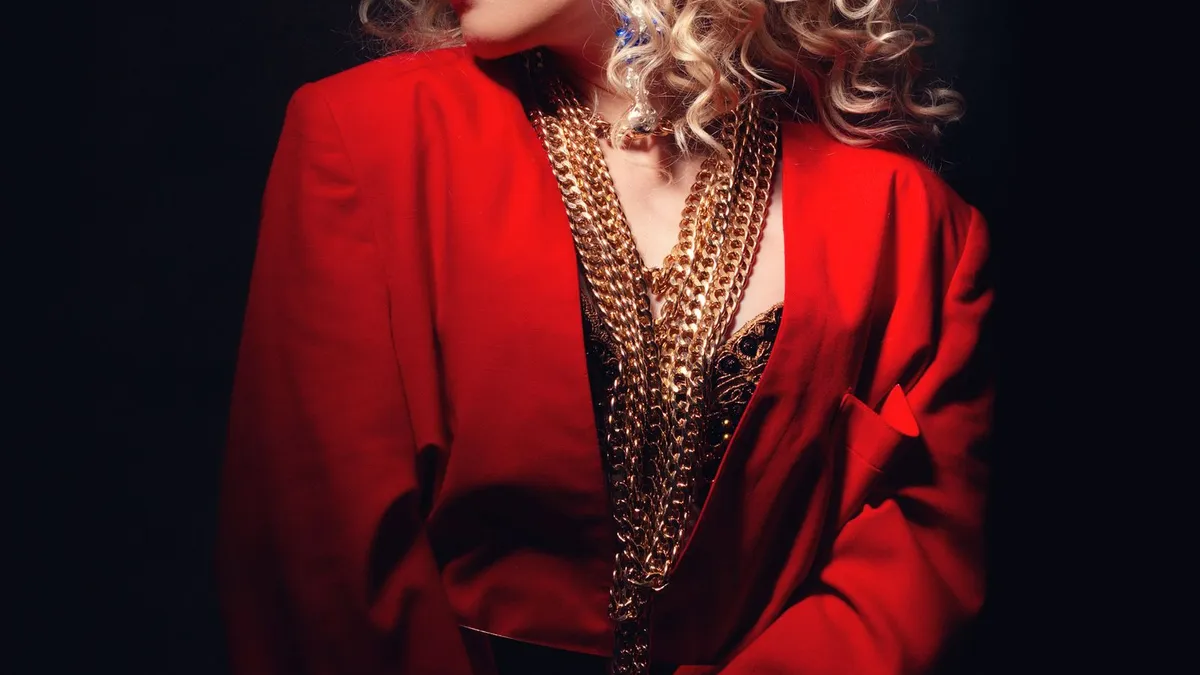
Use a sharp, well-lit photo of one person, facing the camera, framed from the chest up, with a simple background. Avoid sunglasses, heavy shadow, extreme angles, group shots and low-resolution crops. Better inputs give a stronger 1980s look and keep your face recognisable.
What a good input looks like
- One person, facing forward. The model restyles a single subject. Front-on or a slight angle works; full profile does not.
- Chest up. Head-and-shoulders framing lets the AI build 1980s hair and a padded-shoulder blazer or denim jacket without guessing at a full body.
- Even light on the face. Daylight near a window, or soft indoor light. Your face is what anchors your identity — if it is clearly lit, the result looks like you.
- Sharp and reasonably high resolution. A crisp phone photo is plenty. A tiny, blurry crop from an old screenshot is not.
- Simple background. A wall, a plain room, sky. The AI often replaces the background with a laser grid or studio backdrop, and clutter can bleed into the result.
What to avoid
- Sunglasses or anything covering the face. The model needs to see your eyes and features.
- Hard shadows across half the face — harsh midday sun, a phone torch from below.
- Extreme angles — shooting up your nose, a steep downward selfie, a full side profile.
- Group photos. Crop to just yourself first. See 80s filter for couples and groups for how to handle two people.
- Heavy existing filters — beauty smoothing, strong colour grades and stickers all fight the restyle.
Quick pre-flight check
- Can you see both eyes clearly?
- Is your face brighter than the background, or at least evenly lit?
- Is it just you in the frame?
- Would you be happy printing it at postcard size — is it that sharp?
If yes to all four, it will restyle well. If not, a two-minute reshoot near a window beats fighting a bad input.
Upload a photo and 80s Filter restyles it into a 1980s portrait — hair, wardrobe, film look and all.
Open 80s FilterFAQ
Does the photo need to be recent?
No. Any clear photo of you works — including old ones. The AI restyles the era around your face regardless of when the shot was taken.
Can I use a full-body photo?
Yes, but head-and-shoulders framing tends to give a cleaner, more convincing 1980s look.
What file types are supported?
Common image formats (JPEG, PNG, HEIC/WebP) up to 12 MB.