Does an 80s filter keep your face — and your face data?
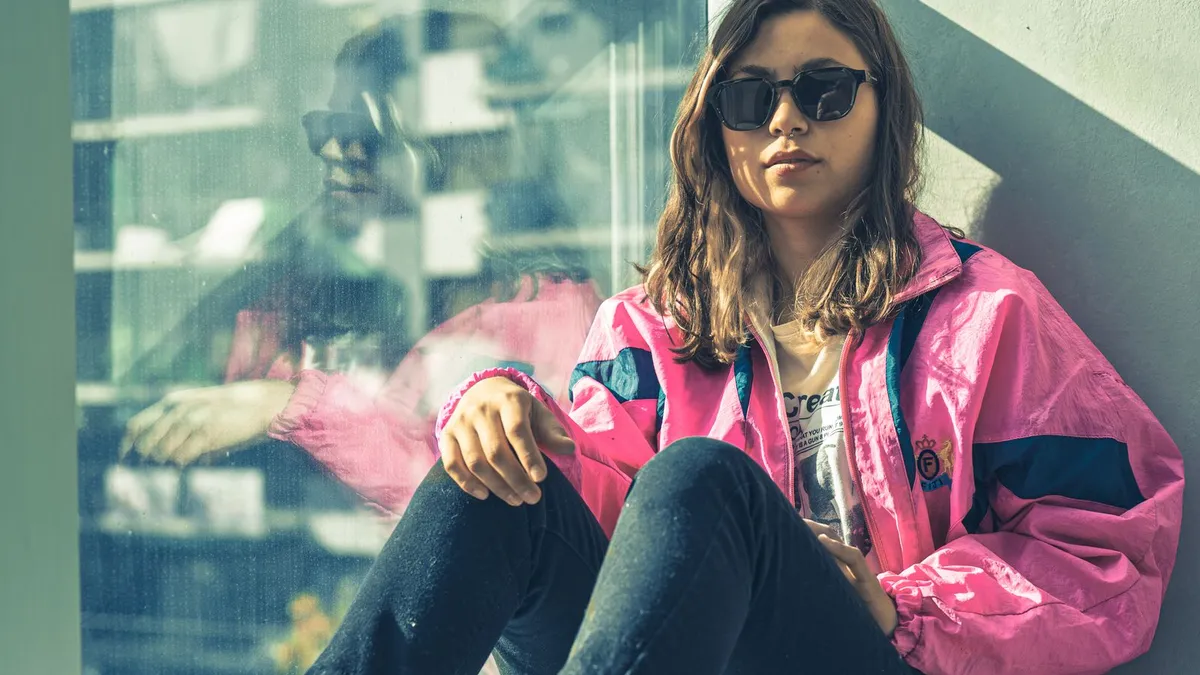
A good 80s filter keeps your facial structure, skin tone, age and expression while restyling hair, clothing and background. On data: 80s Filter runs no facial recognition, builds no faceprint, does not keep your uploaded photo after generating, and never uses it to train AI.
How much of your likeness is kept
The restyle holds the parts that make you recognisable: the shape of your face and jaw, the spacing of your features, your skin tone, your apparent age, and your expression. It changes the parts that signal an era: hairstyle and volume, wardrobe, makeup style, lighting and the background. Results vary run to run, and they are meant to be a flattering costume, not a forensic match.
What happens to your photo
- It is sent over an encrypted connection, through a relay 80s Filter runs, to the AI provider (fal.ai, running OpenAI GPT Image 2) purely to generate your image.
- It is not stored on 80s Filter's servers after the image is generated.
- It is never used to train AI models.
- The finished image is saved to your account so you can download it again; you can request deletion any time.
What is explicitly not done
- No facial recognition or identity matching.
- No faceprint, face geometry, or biometric template is created or stored.
- No age, gender or emotion analysis.
- No matching your photo against any database.
The model reads pixels and generates pixels. Full detail is in the privacy policy, which leads with a dedicated "Photos and face data" section.
Uploading photos of other people
Only upload a photo if it is of you, or you have the permission of everyone identifiable in it. That is a condition of the terms, and it is the right thing to do.
Upload a photo and 80s Filter restyles it into a 1980s portrait — hair, wardrobe, film look and all.
Open 80s FilterFAQ
Can I delete my data?
Yes. Email admin@try2.app to have your account and stored images deleted.