Using an 80s filter on couple and group photos
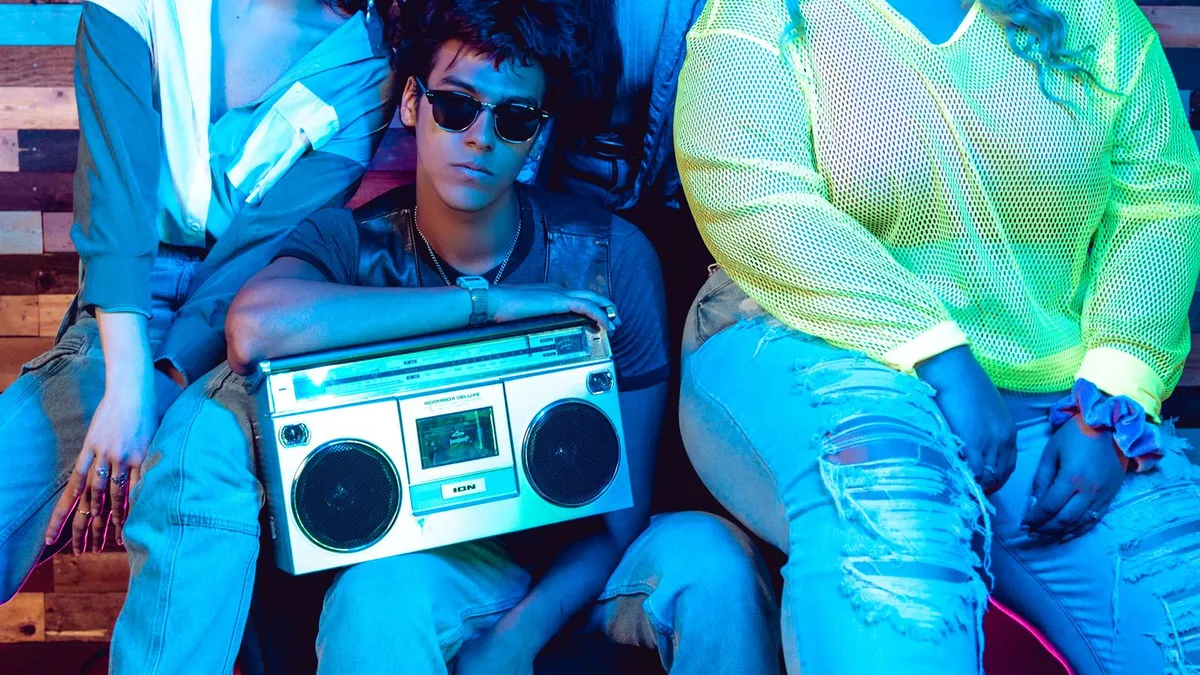
An 80s filter restyles one subject cleanly. For a couple or group, either restyle each person from a solo photo and assemble the set, or run the group shot as-is and accept softer detail on individual faces. Solo-then-combine gives the strongest result.
Why one face at a time works better
AI image models put most of their effort into the largest, clearest face in the frame. In a group shot every face is smaller and some are partly turned, so individual detail softens and the odd extra hand or blended feature can appear. A solo photo gives the model one clear anchor.
The reliable method for couples
- Take or crop a clean solo photo of each person.
- Restyle each one.
- Place the two results side by side, or in a simple two-up layout, for a matching pair.
Because 80s Filter applies one consistent look, the two portraits already share a palette and film treatment, so they sit together well.
Whole groups and decade day
For a team, a family or a class doing decade day, the same approach scales: everyone submits a solo headshot, you restyle each, and drop them into a grid. Weekly plans cover 7 images per 7 days and Yearly covers 10, so a large group may need a couple of weeks or the yearly plan.
If you must use the group shot
Use the sharpest, most front-on group photo you have, with faces large in the frame. Expect a fun overall vibe rather than crisp individual likenesses.
Upload a photo and 80s Filter restyles it into a 1980s portrait — hair, wardrobe, film look and all.
Open 80s FilterFAQ
Can it match two people into one 80s scene?
It restyles whatever you upload. It will not composite two separate photos into one shared scene — do that yourself after restyling each person.
Do both portraits come out consistent?
Largely yes — the tool applies one fixed look, so separate portraits share colour and film treatment.