
80s yearbook photo filter
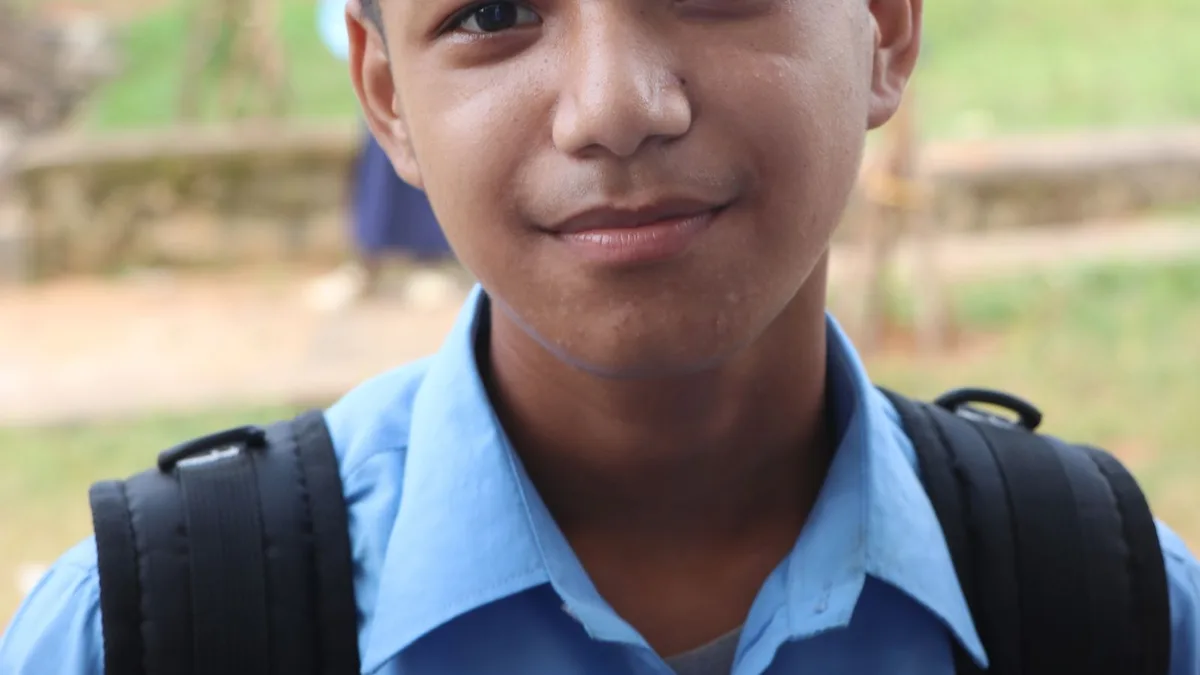
Upload a plain, front-facing, chest-up photo and 80s Filter will restyle it toward the era — teased hair, a period collar or blazer, soft studio-style light. It applies one general 1980s look rather than a literal school-yearbook template, but a simple, forward-facing photo gets you closest to that feel.
What made an 80s yearbook photo an 80s yearbook photo
Mottled studio backdrops in blue or grey, soft on-camera flash, big collars and sweaters, and hair with real volume even in a formal shot — see the best photo to use for an 80s filter for how to set up a similar shot today.
Getting close to the look
- Use a plain wall or simple background for your original photo — closer to a studio backdrop than a busy scene.
- Frame it chest-up, facing the camera, the way a yearbook photographer would.
- Upload it to 80s Filter and generate. The AI will apply period hair and wardrobe and, often, a suitable studio-style background.
Setting expectations
80s Filter has one fixed 1980s look rather than a specific "yearbook template" — you can't pick a mottled grey backdrop specifically. Simpler input photos consistently push the result closer to that classic studio feel, but the exact backdrop is chosen by the model each time.
Upload a photo and 80s Filter restyles it into a 1980s portrait — hair, wardrobe, film look and all.
Open 80s FilterFAQ
Can I do this for a whole class or group?
Each photo is generated individually — there's no batch or group-yearbook mode, but you can run each classmate's photo through separately.
Will it add a name or date banner like a real yearbook photo?
No — it restyles the photo itself. Any text or banner would need to be added afterward in a separate photo editor.