
How to get a 1980s mall photo studio look
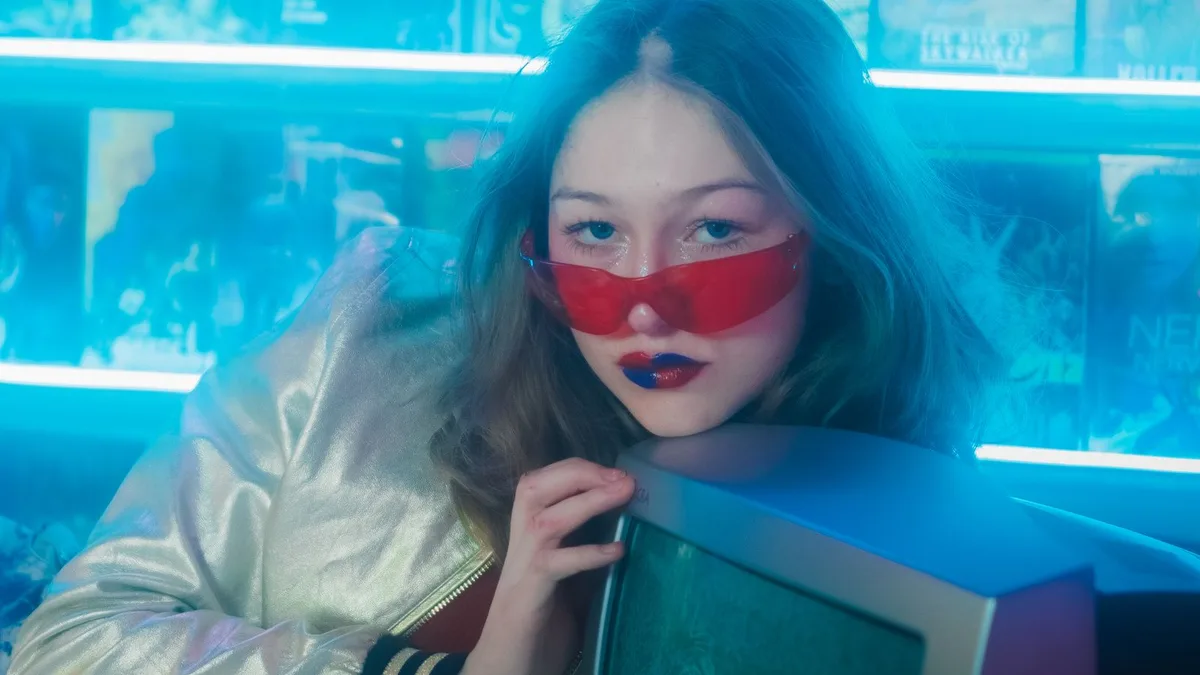
Upload a clear, front-facing photo to 80s Filter — the AI often builds a laser-grid or synthwave-style studio backdrop along with era hair and wardrobe, echoing the classic 1980s mall glamour-shot studios. You can't request that exact backdrop, but simple, well-lit source photos push results in that direction.
What a mall glamour shot actually was
Mall photo studios in the 1980s used laser-grid or soft-focus backdrops, moody coloured lighting, and dramatic hair and makeup for a "glamour" portrait sold as a keepsake. We cover the full history in the mall glamour shot.
Recreating it today
- Use a plain-background, well-lit, front-facing photo — the closer to a simple studio setup, the more room the AI has to build a dramatic backdrop.
- Upload it to 80s Filter and generate. Many results land on a laser-grid or neon-haze background similar to the original studios.
- Compare against the Miami Vice look and big hair look pages for two backdrop styles the model commonly produces.
Upload a photo and 80s Filter restyles it into a 1980s portrait — hair, wardrobe, film look and all.
Open 80s FilterFAQ
Can I specifically request the laser-grid background?
No — there's no backdrop picker, but it's one of the model's more common choices for a simple studio-style input photo.
Is this the same as a real mall photo studio, just cheaper?
It captures the visual style using AI rather than a real studio session — a fun, fast way to get the look, not a substitute for an in-person keepsake photo.