
80s prom photo filter
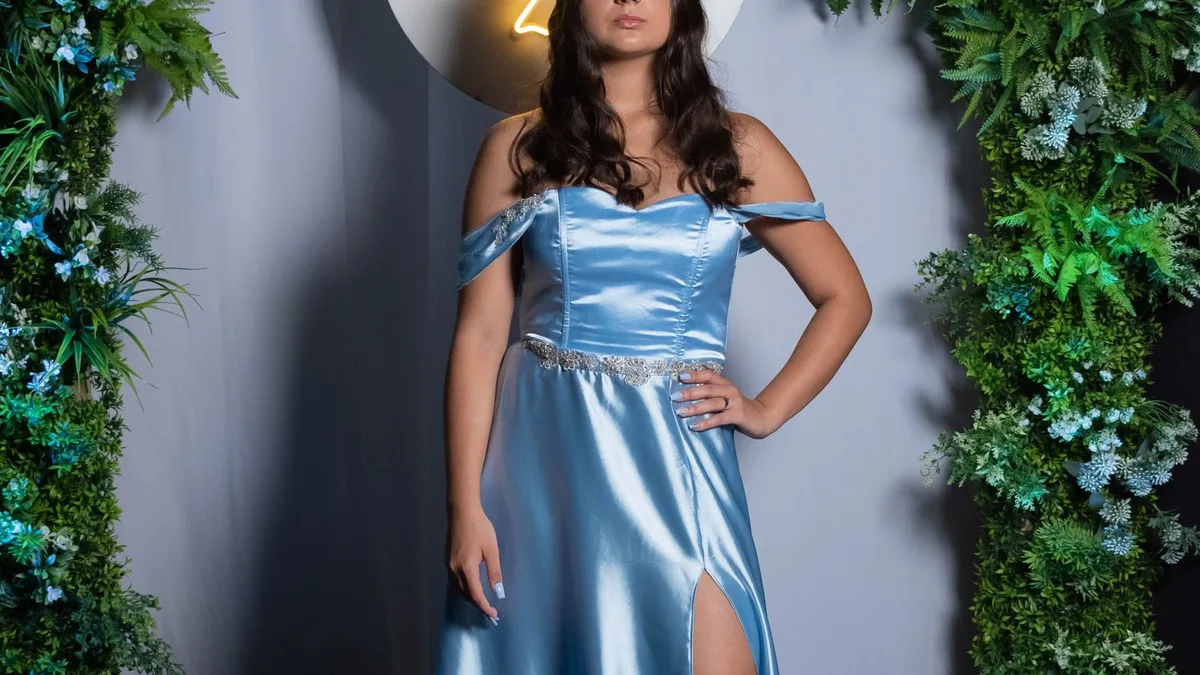
Upload a photo in formalwear, or any clear front-facing photo, and 80s Filter will apply its 1980s restyle — often landing on big volumised hair and a structured, period-appropriate look for a prom-style feel. It's one general 80s look rather than a dedicated prom template.
The 80s prom look
Think crimped or heavily volumised hair, puffed sleeves or a structured jacket, and soft, slightly hazy photography — see the power suit look and big hair look for two directions the AI commonly takes.
Best photo to start from
A clear, front-facing photo already in formalwear gives the model the most to work with, but it isn't required — 80s Filter restyles wardrobe regardless of what you're wearing in the original.
Doing it for a couple
For a prom couple's photo, see 80s Filter for couples and group photos for what to expect when there are two people in frame.
Upload a photo and 80s Filter restyles it into a 1980s portrait — hair, wardrobe, film look and all.
Open 80s FilterFAQ
Can I choose a specific prom dress colour or style?
No — there's no style picker. The AI chooses period-appropriate wardrobe and colour automatically.
Does it work for a couple's prom photo?
Yes, though results are most reliable and detailed with one person per photo — see our couples and group photo guide.