
How to make a retro 80s profile picture
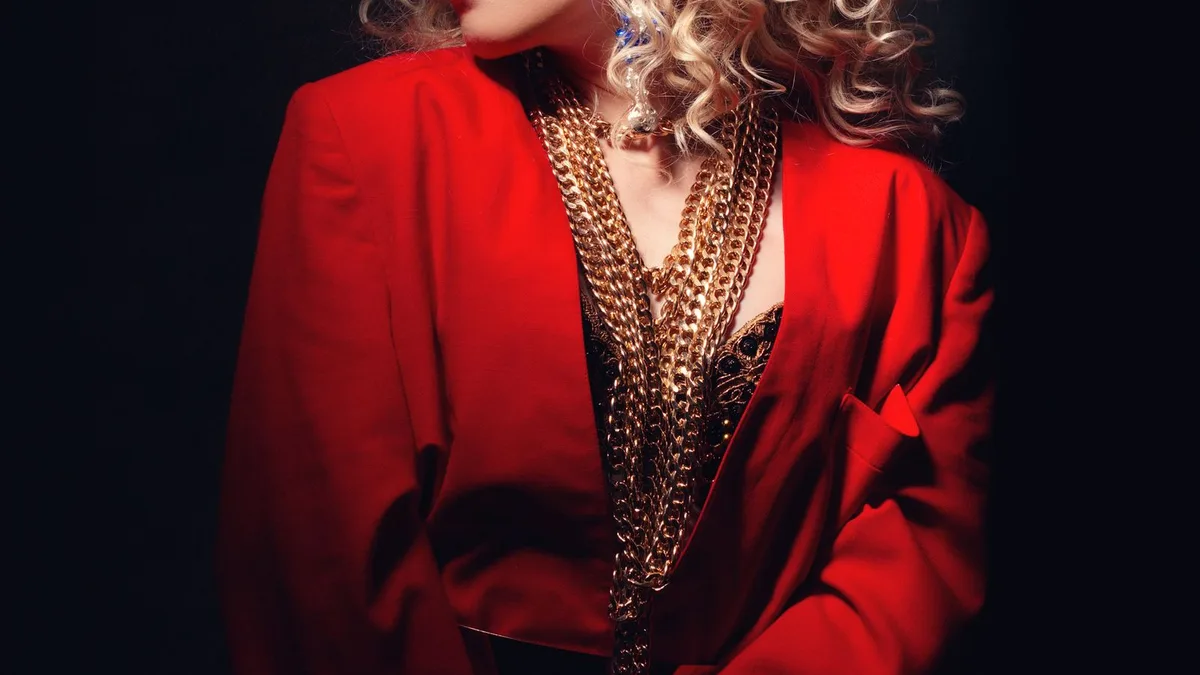
Upload a photo framed roughly from the shoulders up, with your face centred, and generate it with 80s Filter. The tighter framing crops cleanly into a square or circular profile picture on most platforms, and the neon or synthwave backdrop reads well even at small icon size.
Why 80s results make good profile pictures
A restyled 80s portrait has strong contrast, bold colour and a clear subject against a simpler background — exactly the qualities that hold up when a photo gets shrunk down to a small circular icon on Instagram, Discord or LinkedIn.
Framing tips for a profile picture specifically
- Upload a photo already framed from about the shoulders up — profile pictures crop to a tight square or circle, and a full-body shot loses most of its detail at that size.
- Centre your face in the original photo; most platforms crop profile pictures to a centred circle automatically.
- A plain or simple original background gives the AI more room to build a bold, legible backdrop that survives the crop.
Generate and crop
Upload, subscribe, and tap Apply 80s on 80sfilter.try2.app. Download the result, then crop it square in your phone's photo editor before setting it as your profile picture on whichever platform you use.
Upload a photo and 80s Filter restyles it into a 1980s portrait — hair, wardrobe, film look and all.
Open 80s FilterFAQ
What size should the result be?
80s Filter returns a high-resolution image — plenty of room to crop down to any platform's profile picture size without losing quality.
Can I make a few and pick the best?
Yes, within your weekly allowance (7 on Weekly, 10 on Yearly) — generate a couple with different source photos and keep the one that crops best.