
How to turn a selfie into an 80s photo
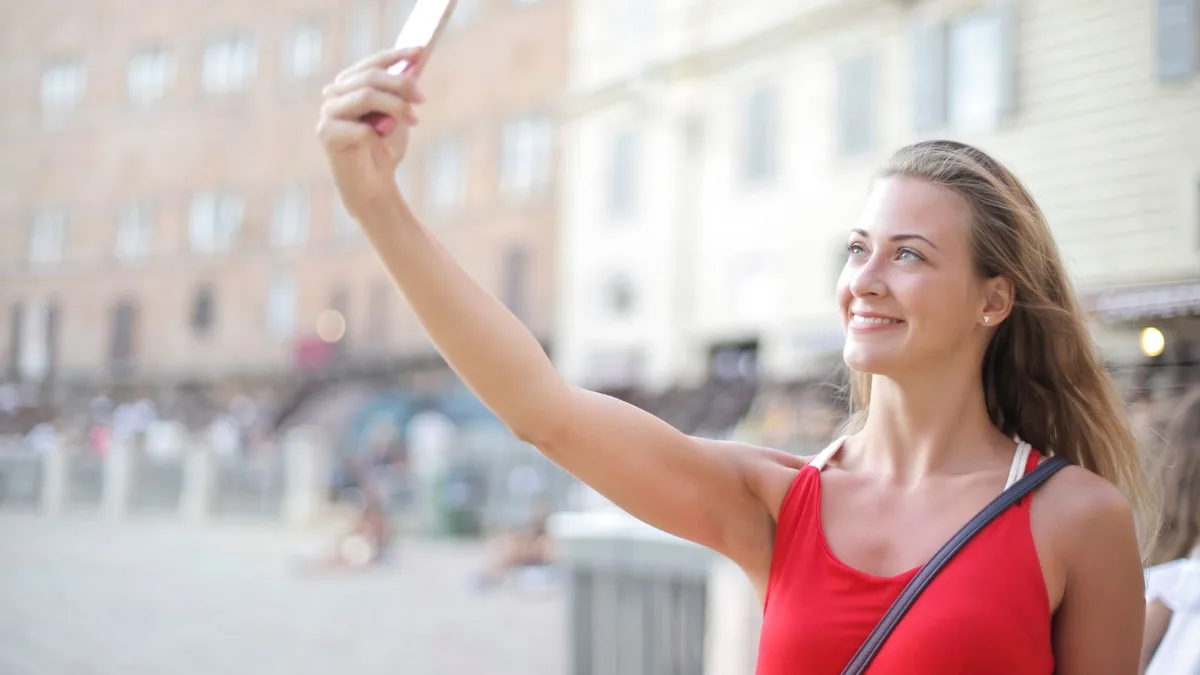
Yes — selfies work well. Hold the phone at eye level or slightly above, face the camera directly, use daylight or even indoor light, and avoid an extreme wide-angle close-up. Upload it to 80sfilter.try2.app and tap Apply 80s for a 1980s restyle that keeps your face.
Selfies are the most common upload — and they work
Most people's best available photo of themselves is a selfie, so 80s Filter is built to handle them. A few adjustments make a real difference to the result.
How to shoot the selfie
- Hold at eye level or slightly above. A low, up-the-nose angle distorts proportions the AI then has to guess at.
- Step back a little. An extreme close-up (arm fully bent) exaggerates your nose and forehead in a way that carries into the result.
- Face the camera. Straight-on beats a heavy three-quarter turn — the model has a full, symmetrical face to work from.
- Use real light. Daylight near a window or outdoor shade is more even than a dim room with the flash forced on.
Then upload it
Drop the selfie into the uploader on the home page, subscribe if you haven't, and tap Apply 80s. See how to apply an 80s filter to a photo for the full walkthrough.
Upload a photo and 80s Filter restyles it into a 1980s portrait — hair, wardrobe, film look and all.
Open 80s FilterFAQ
Do mirror selfies work?
They can, but a direct front-camera selfie without a visible phone in frame usually restyles more cleanly.
What about a selfie with a filter already on it?
Use the rawest version you have. Beauty filters and heavy retouching can confuse the model and make the result look more artificial.
Group selfies?
One person restyles most reliably. See our note on couple and group photos for what to expect with more than one face.