How to get a retro photo effect
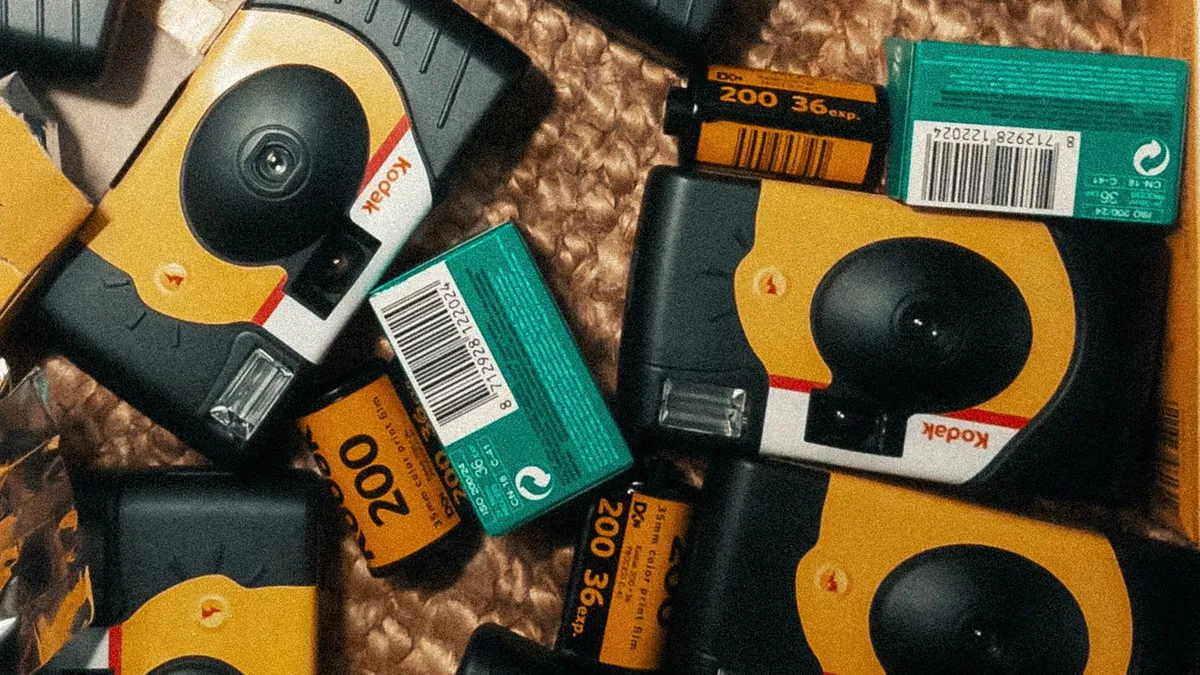
A retro photo effect usually means one of three decades: 1970s (warm, hazy, orange-brown, film grain), 1980s (neon, big hair, VHS softness, synth backdrop) or 1990s (flat flash, grainy point-and-shoot, muted colour). Pick the decade first, then use an AI restyle or a matching preset.
“Retro” is three different looks
| Decade | Colour | Texture | Signature |
|---|---|---|---|
| 1970s | Warm orange-brown, hazy | Heavy film grain, light leaks | Feathered hair, earth tones, sun flare |
| 1980s | Saturated neon + warm skin | VHS softness, faint scanlines | Big hair, padded shoulders, laser-grid backdrop |
| 1990s | Muted, slightly green or cool | Harsh on-camera flash, disposable-camera grain | Flannel, slip dresses, date stamp in the corner |
The fastest route
For a full restyle — changing hair and wardrobe, not just colour — an AI image model does it in one pass. 80s Filter is tuned for the 1980s specifically; if the 80s is the look you want, it is the quickest way there. Start on the home page.
If you want a lighter touch
For colour and grain only, most photo apps have a "retro", "vintage" or decade-named preset. Match it to the decade above rather than picking the first one — a 70s preset on an 80s idea will look muddy, not neon.
Getting the input right
Any retro method works better with a sharp, evenly lit, front-facing photo. See best photo for an 80s filter — the advice applies to all retro looks.
Upload a photo and 80s Filter restyles it into a 1980s portrait — hair, wardrobe, film look and all.
Open 80s Filter