How to get a 90s filter
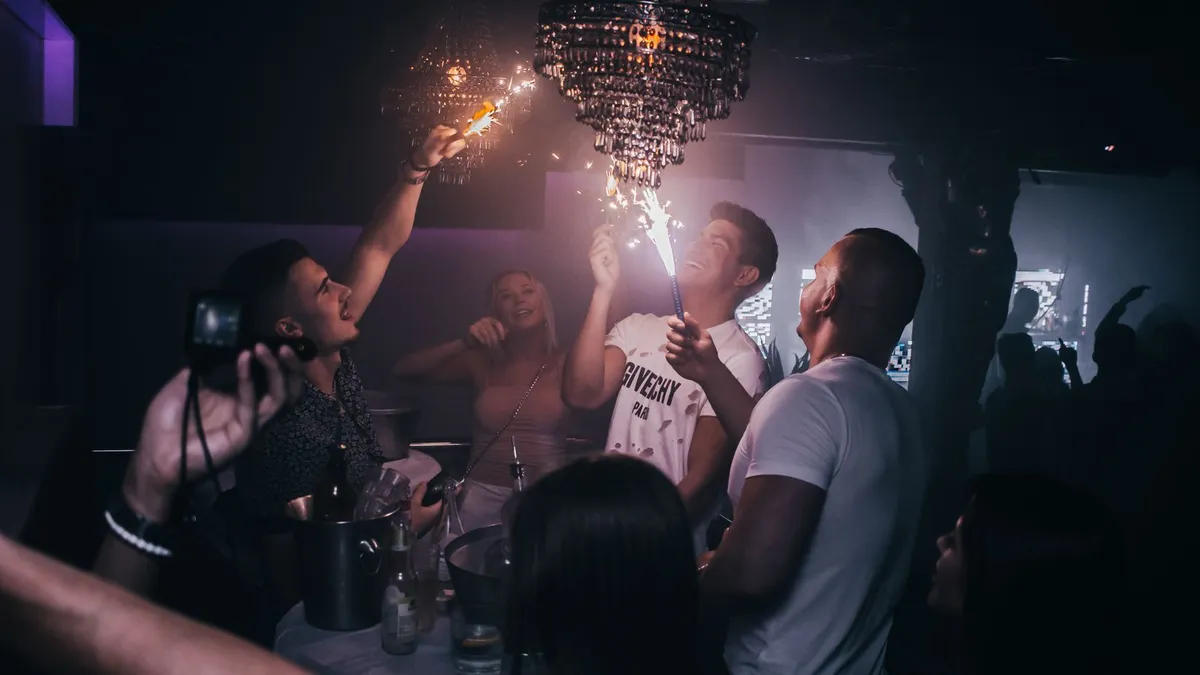
A 90s filter recreates a 1990s point-and-shoot snapshot: harsh on-camera flash, slightly cool or green-tinged muted colour, visible grain, soft focus and a burned-in orange date stamp. Use a disposable-camera or '90s' preset in a photo app, or an AI restyle set to the 1990s. It is a different look from the 80s — flatter and less neon.
What a 90s filter actually does
- Direct flash — bright, flat light from the camera, hard shadow on the wall behind.
- Muted colour with a slight cool or green cast, from cheap film and one-hour processing.
- Grain and soft focus from a plastic lens.
- The date stamp — an orange
'95 10 14in the corner. - Framing — casual, slightly off-centre, shot at arm's length.
How to get it
- Photo apps: look for a "disposable", "90s", "point and shoot" or "film" preset and add a date-stamp overlay.
- AI restyle: a general AI image tool can do a 90s look from a prompt describing flat flash, grain and muted colour.
- Shoot it for real: a disposable camera, or your phone's flash forced on in a dim room.
80s vs 90s — do not mix them up
The 80s look is bright, structured and maximal — neon, big hair, chrome, synth grids. The 90s look is muted, soft and casual — flannel, flat flash, grain. If you actually want the 80s, an 80s restyle commits to neon and volume; a 90s preset will just make it look faded. Full comparison: 80s vs 90s aesthetic.
A note on 80s Filter
80s Filter is tuned for the 1980s specifically. For a 90s snapshot look, a disposable-camera preset in a photo app is the right tool.
Upload a photo and 80s Filter restyles it into a 1980s portrait — hair, wardrobe, film look and all.
Open 80s Filter