
80s filter hair colour options
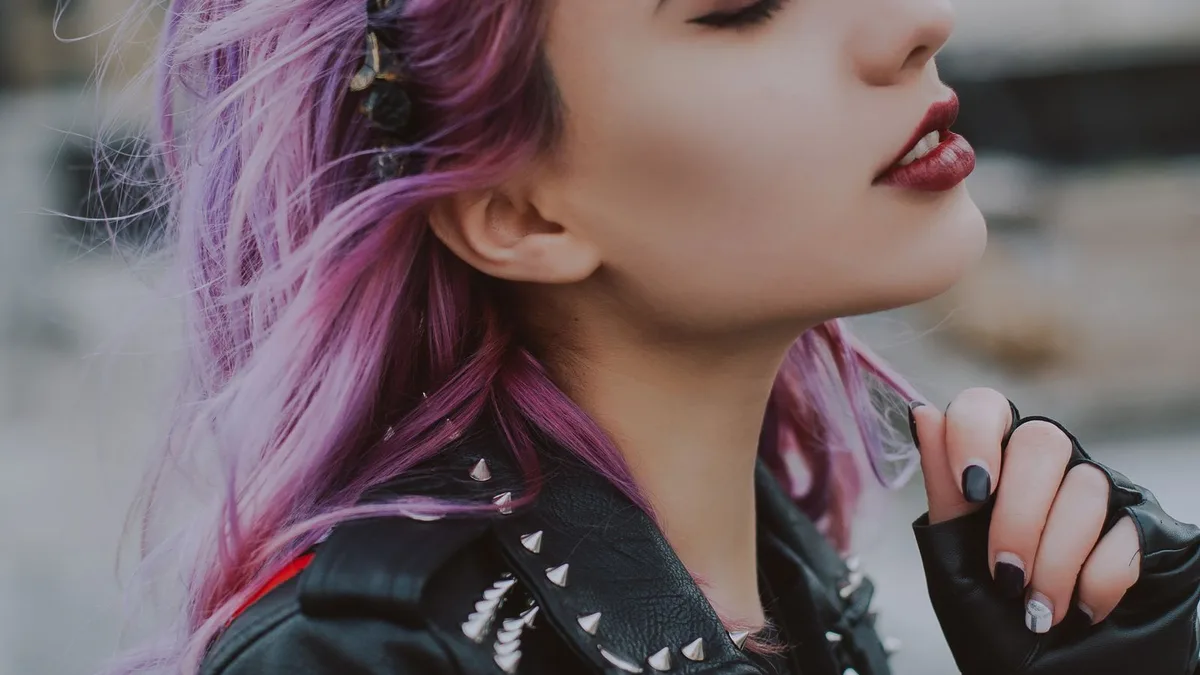
There's no hair-colour picker in 80s Filter — it's one automatic AI restyle, not a settings menu. In most results your natural hair colour is kept while volume, texture and styling are pushed toward a period 1980s look (bigger, teased, sometimes crimped). Colour occasionally shifts slightly as part of the overall restyle.
No colour picker — one automatic restyle
80s Filter applies a single AI-driven look with no settings for hair colour, length or specific style. That's a deliberate trade-off for a one-tap tool: you upload a photo and get a result, rather than configuring options first.
What usually happens to hair
- Colour: generally kept close to your natural colour, since the model is restyling the era around your identity, not changing who you are.
- Volume and texture: this is where the biggest change happens — flat or straight hair commonly gets teased height, waves, or a crimped texture true to the decade.
- Style: chosen automatically to suit your photo — a mullet, a feathered cut, or big volume are all possibilities depending on your original hair length and the rest of the shot.
If you want a specific dramatic colour
For something like the bold pink or platinum looks associated with 80s punk and new-wave subcultures specifically, see the punk 80s photo filter guide for why that's not directly selectable and what to try instead.
Upload a photo and 80s Filter restyles it into a 1980s portrait — hair, wardrobe, film look and all.
Open 80s FilterFAQ
Can I request blonde or a specific colour?
No — there's no text prompt or colour picker. The result is generated automatically from your photo.
Does the result ever change my hair colour a lot?
It can shift slightly as part of the overall lighting and film-colour restyle, but a dramatic, unrelated colour change is uncommon.