
New wave 80s photo filter
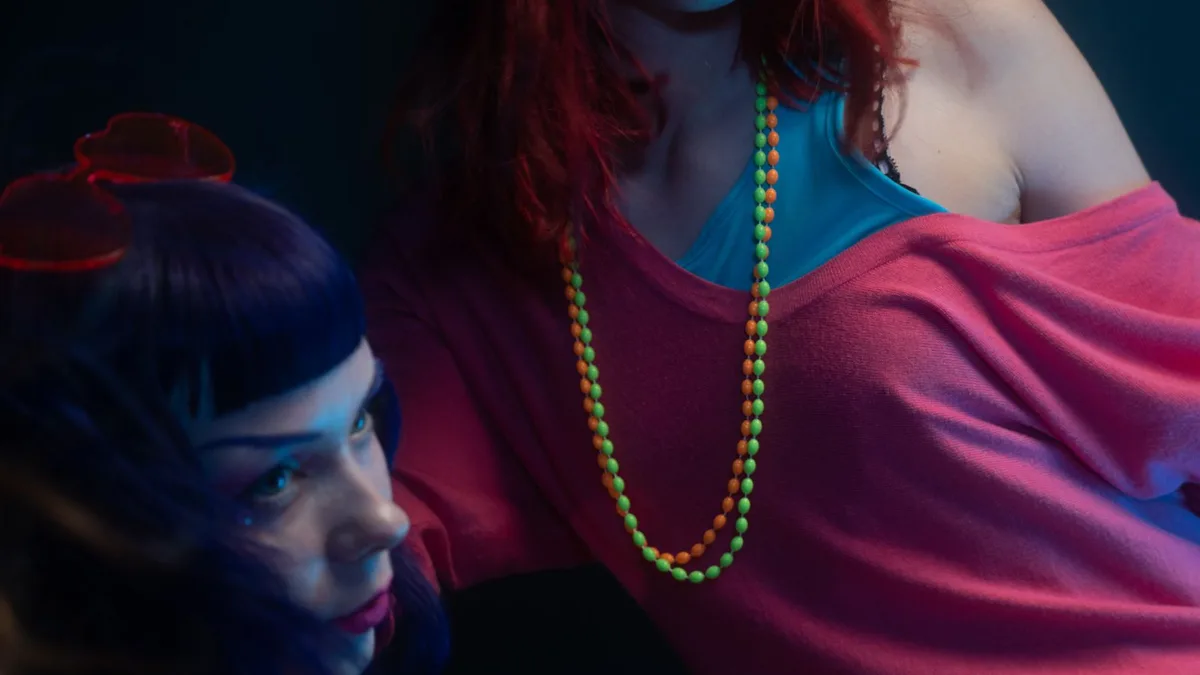
80s Filter doesn't offer a specific new-wave subculture style as a selectable option — it applies one general, mainstream mid-1980s restyle per photo, chosen automatically. For a guaranteed new-wave look (asymmetric hair, monochrome graphic fashion, bold eye makeup), a custom-written AI prompt gives more direct control than the one-tap tool.
Why this isn't a toggle
80s Filter is built as a one-tap tool: one photo in, one restyled photo out, no style menu. That keeps it fast and consistent, but it also means you can't specifically request a subculture look like new wave rather than a mainstream mid-80s style.
What new wave actually looked like
Sharp asymmetric or spiked hair, monochrome or graphic-print clothing, bold geometric eye makeup, and a colder, more architectural feel than the warmer mainstream 80s look 80s Filter defaults to.
If you specifically want this look
A general AI image tool with a custom-written prompt describing new-wave styling in detail gives more control than a one-tap app. See how to write a good 80s AI photo prompt for the elements to include.
Upload a photo and 80s Filter restyles it into a 1980s portrait — hair, wardrobe, film look and all.
Open 80s FilterFAQ
Will 80s Filter ever produce a new-wave-style result by chance?
Occasionally elements like bold makeup or striking colour show up, but a full, deliberate new-wave look isn't guaranteed the way it would be from a custom prompt.
Is a custom prompt worth it just for one photo?
If a specific subculture look matters more to you than convenience, yes — otherwise the one-tap restyle is faster and needs no prompt-writing.