
80s glasses and accessories in AI photos
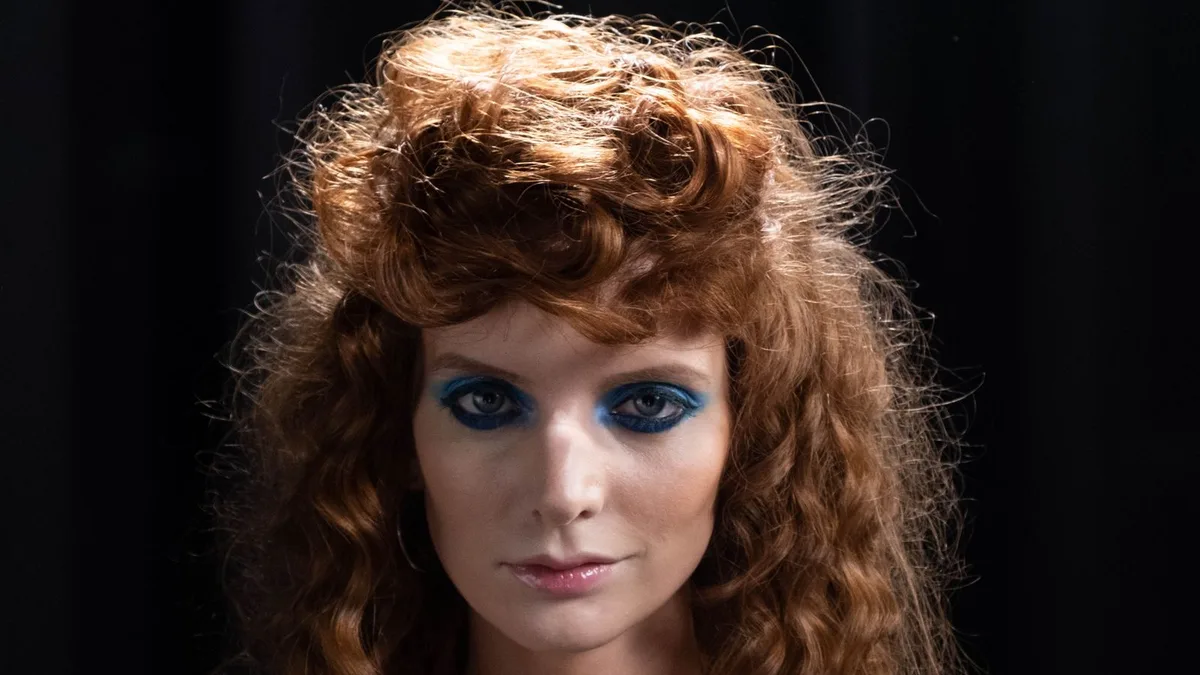
80s Filter can't add a specific accessory on request, but period props show up naturally as part of the restyle — mirrored aviators, gold chains and hoop earrings, headbands and stacked bracelets all appear regularly in results, chosen automatically to match the rest of the outfit and scene.
What tends to appear
Across results, common period accessories include mirrored aviator sunglasses, thin gold chains, hoop earrings, and stacked rubber or beaded bracelets — all consistent with the wardrobe the model builds around your photo. See the before & after gallery for real examples with these details visible.
If you already wear glasses
Glasses in your original photo are usually kept, sometimes restyled toward a bigger, more period-appropriate frame rather than removed.
You can't request a specific prop
There's no way to ask for, say, a specific headband colour or a particular necklace — the AI selects accessories automatically as part of one overall restyle. If accessories matter a lot to you, running the same photo again (within your weekly allowance) can produce a different combination.
Upload a photo and 80s Filter restyles it into a 1980s portrait — hair, wardrobe, film look and all.
Open 80s FilterFAQ
Will it remove my real glasses?
Usually not — they tend to be kept and restyled rather than removed.
Can I ask for a specific piece of jewellery?
No — there's no prompt field for this in the one-tap tool. A custom ChatGPT prompt gives more control; see the 80s ChatGPT prompt page.