
80s filter for men
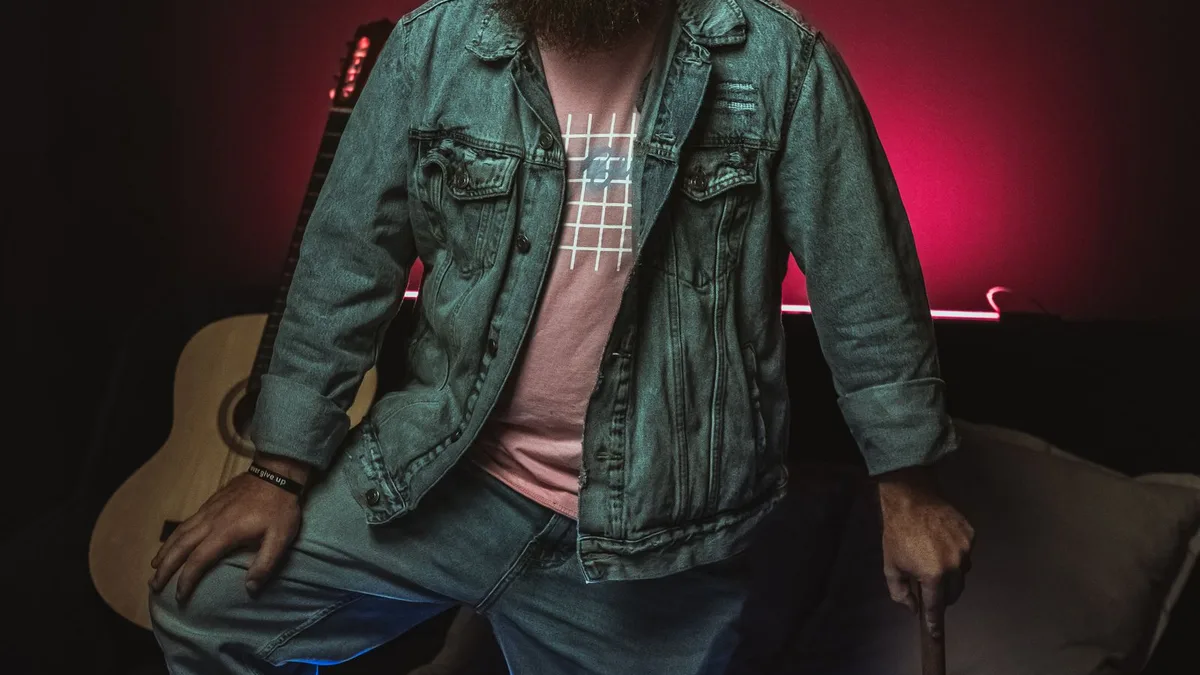
80s Filter applies the same AI restyle regardless of gender, and for men's photos it commonly lands on looks like a mullet or feathered hair, a leather or denim jacket, or a Miami-Vice-style blazer and open shirt. Upload a clear, front-facing photo for the most reliable result.
What results tend to look like
Across real results, men's photos have come back with a rock-star mullet, a cropped leather jacket over a plain tee, a stonewashed double-denim look, or a Miami-Vice-style white blazer over an open pastel shirt. See the before & after gallery for real examples of each.
Getting a sharp result
The same rules apply regardless of gender: a clear, front-facing, well-lit photo of one person from the chest up. Facial hair, glasses and hairstyle in the original photo all carry through and influence what the AI builds around them.
Looks to check out
The leather jacket look and Miami Vice look both come up often in men's results.
Upload a photo and 80s Filter restyles it into a 1980s portrait — hair, wardrobe, film look and all.
Open 80s FilterFAQ
Can I choose which men's look I get — mullet vs Miami Vice?
No — there's no style picker. The AI chooses what fits your photo; you can try a different source photo to get a different result.
Does facial hair confuse the model?
No — beards and moustaches are generally kept and restyled along with the rest of the face and hair.