
What is the 80s photo trend?
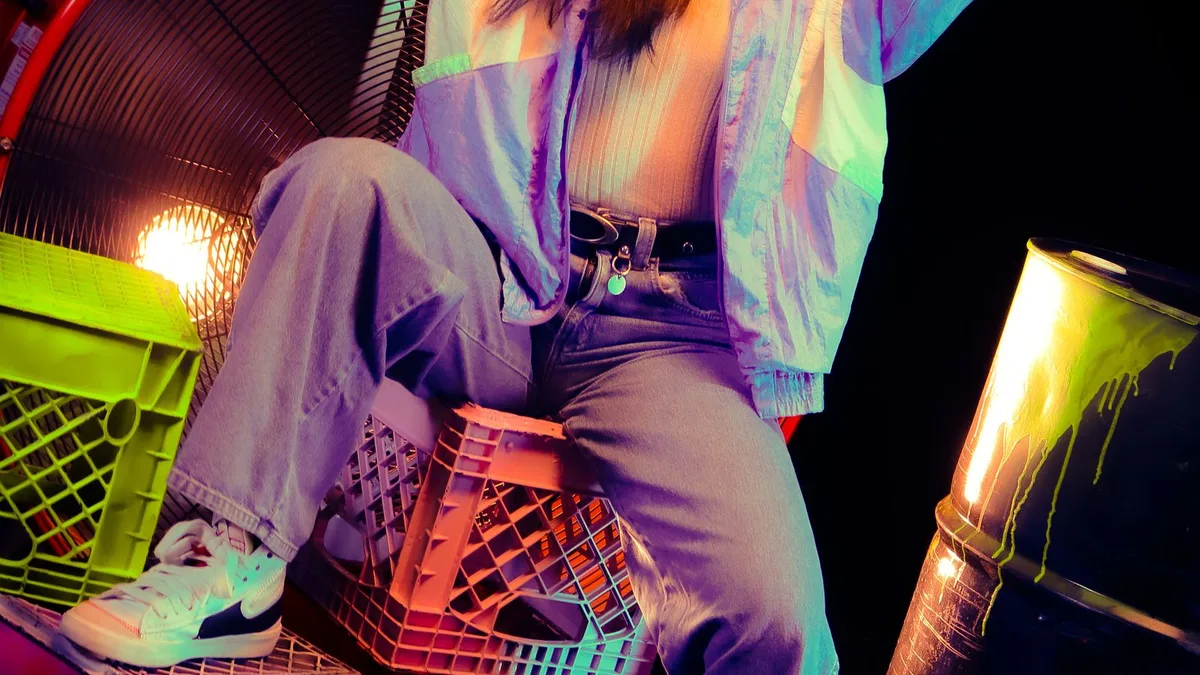
The 80s photo trend is uploading a photo of yourself to an AI tool and asking it to show what you'd have looked like in the 1980s — teased hair, neon or padded-shoulder wardrobe, warm film grain. It started with a viral ChatGPT prompt and has spread to dedicated apps and short-form video.
The short version
You upload a photo of yourself, an AI image model reimagines it in a 1980s style — big hair, era wardrobe, warm film colour, sometimes a synthwave backdrop — and you post the before-and-after. It's part of a wider wave of decade- and era-based AI photo trends (90s yearbook, Renaissance portrait, action figure) that took off through 2025–2026.
Where it started
The specific "what would I have looked like in the 80s" version began as a prompt people typed into ChatGPT alongside an uploaded photo. We cover that origin in detail in the 80s ChatGPT trend, explained.
Three ways people do it now
- Type the prompt into ChatGPT yourself, with a photo attached — free-form, needs a paid ChatGPT plan for image generation, results vary run to run.
- Use a dedicated app like 80s Filter — one tuned look, one tap, consistent output, no prompt-writing.
- Use a general photo-editing app's AI effect (some video editors ship a similar template) — usually less consistent for a single portrait.
Upload a photo and 80s Filter restyles it into a 1980s portrait — hair, wardrobe, film look and all.
Open 80s FilterFAQ
Is this the same as an Instagram or Snapchat filter?
No — those apply an effect live on your camera. This restyles a photo you already have, using an AI model, which is why it takes longer than a live filter.
Do I need ChatGPT to do this?
No. See the 80s ChatGPT prompt page for the exact prompt and a one-tap alternative that skips it entirely.