80s filter vs doing it yourself in Photoshop
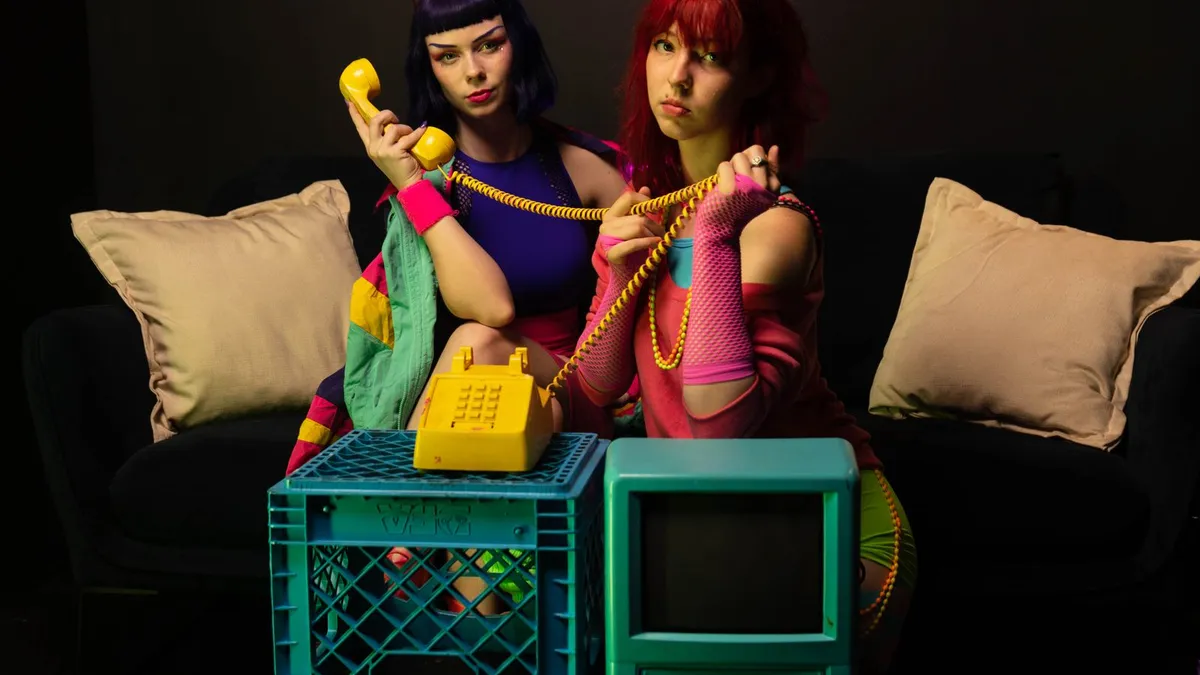
An AI 80s filter restyles hair, wardrobe, lighting and background automatically in under a minute. A manual Photoshop version gives total control but takes hours, needs compositing and retouching skill, and still relies on stock 1980s assets. AI wins for speed and casual use; manual wins for a hero image you fully art-direct.
The manual route
To build an 80s portrait by hand you would: source period clothing and hair references, mask and replace the background with a gradient or laser grid, repaint or composite the hairstyle, adjust colour toward warm Kodak tones, add grain and a subtle scanline texture, and retouch the seams. Done well it is fully under your control. It also takes two to four hours and a solid grasp of masking, frequency separation and colour grading.
The AI route
An AI image model does all of that in one pass. You lose fine control — you cannot say "keep this jacket, change only the hair" — but you gain speed, consistency and a believable film look without owning a stock library. For a profile picture, a party invite or a throwback post, that trade is usually worth it.
When to pick which
| You want… | Use |
|---|---|
| A quick, fun, shareable portrait | AI 80s filter |
| Ten images for a group, fast | AI 80s filter |
| A single hero image you art-direct down to the earrings | Manual Photoshop |
| To keep specific elements of the original untouched | Manual Photoshop |
| No editing skills or software | AI 80s filter |
A middle path
Many people generate a base with AI, then do a five-minute cleanup in a free editor — crop, a small colour tweak, remove one stray artefact. That gets you most of the control for a fraction of the time.
Upload a photo and 80s Filter restyles it into a 1980s portrait — hair, wardrobe, film look and all.
Open 80s Filter