
80s Filter vs FaceApp
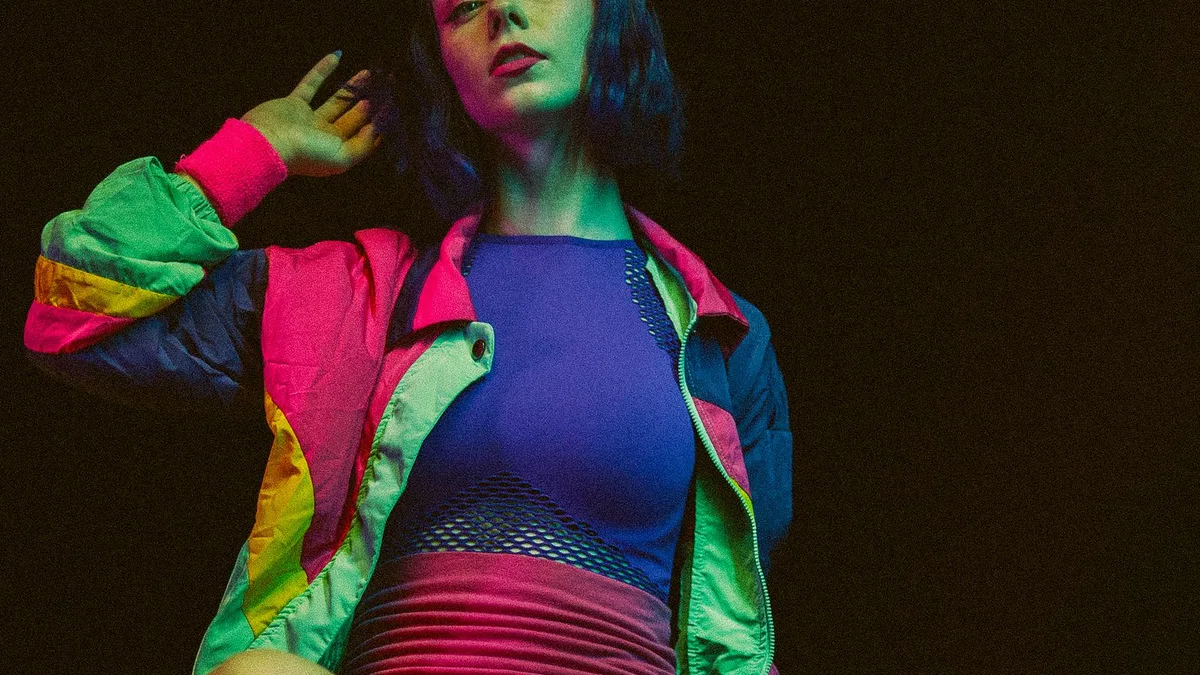
FaceApp specialises in single-face edits like ageing, gender swap and expression changes, not a full decade restyle of hair, wardrobe and background. 80s Filter is built specifically to rebuild a photo into a convincing 1980s portrait. For a genuine era transformation, 80s Filter is the closer match; for quick face-only edits, FaceApp remains a solid tool.
What FaceApp is built for
FaceApp is a face-editing app — ageing filters, gender swap, smiles, hairstyle previews — applied as adjustments to the face itself, generally within the same photo's setting and clothing.
What 80s Filter is built for
A full-scene restyle: hair, wardrobe, lighting, film texture and background are all rebuilt around a mid-1980s look, using an AI image model (OpenAI's GPT Image 2, run through fal.ai) rather than a face-adjustment filter.
Which to use
- Want to see yourself older, or with a different expression? FaceApp's face-specific tools are the right fit.
- Want an actual 1980s portrait — new hair, new outfit, new background? That's what 80s Filter is built for.
Upload a photo and 80s Filter restyles it into a 1980s portrait — hair, wardrobe, film look and all.
Open 80s FilterFAQ
Does FaceApp have an 80s decade filter?
It's not FaceApp's focus — its style packs centre on face and age transformations rather than full period restyles.
Can I use both?
Yes — they solve different problems and there's no conflict using each for what it's good at.